Help Center
Quick answers for common questions. If you need anything else, email support and we'll help you out.
Get set up in 5 minutes
Our step-by-step guide walks you through creating your first client, sending invoices, and mastering the Action Inbox.
Read the Getting Started Guide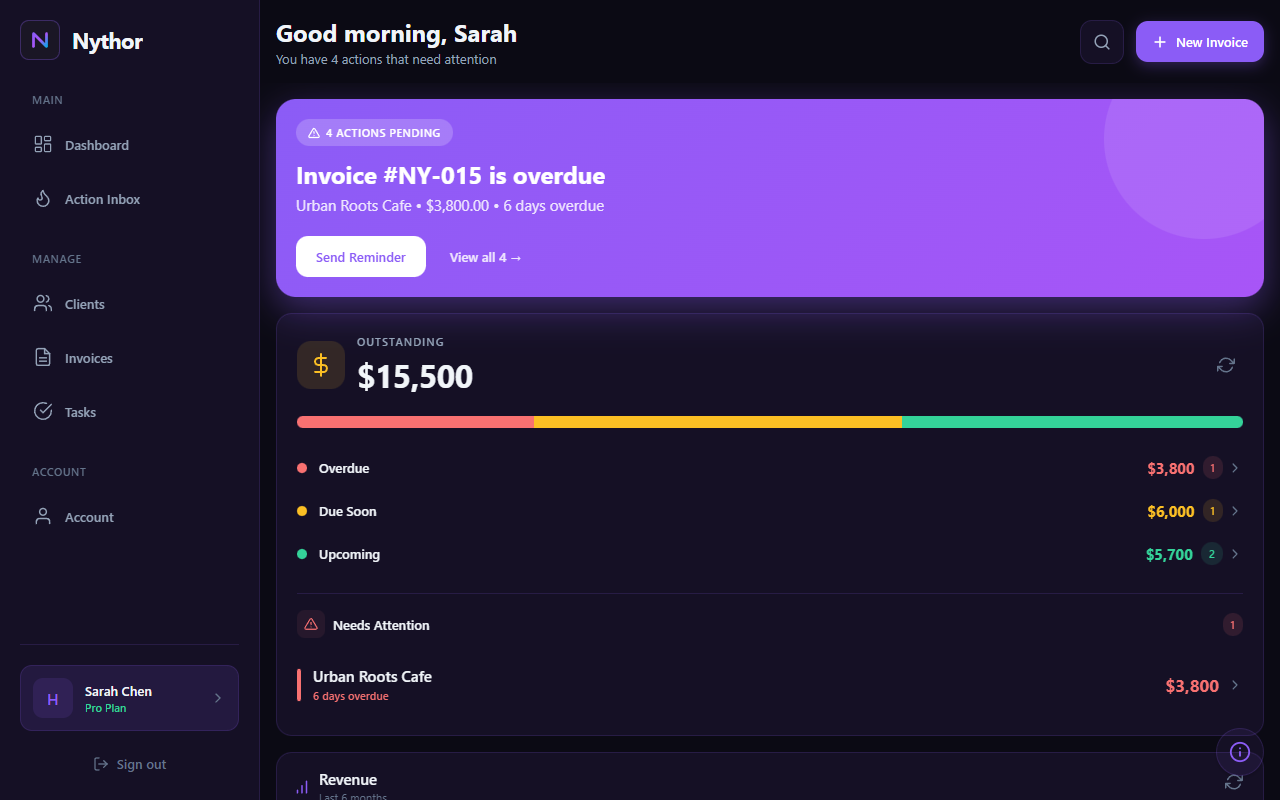
Start here
Most issues are solved in a minute by checking the right screen.
Billing & plan
Open Settings in the app to view your plan and upgrade via Stripe checkout.
Email settings
Use Settings to manage email preferences for invoice sending, reminders, and digests.
Exports
Paid plans can export invoices, clients, and deliverables as CSV from Settings.
Common questions
Clear answers without the fluff.
How do I contact support?
Use our contact form and include your account email plus any screenshots.
What plans are available?
Free: 3 active clients, unlimited invoices & tasks. Starter ($19/mo or $190/yr): 20 active clients, unlimited invoices, CSV exports. Pro ($39/mo or $389/yr): 100 active clients, unlimited invoices, custom reminders. Lifetime Pro ($99): All Pro features, pay once.
Where do I upgrade my plan?
Open the app, go to Settings, scroll to "Your Plan" and select your preferred tier. Stripe checkout handles secure payment.
Is there a subscription or is it one-time?
Both! Starter and Pro are available as monthly or yearly subscriptions. Lifetime Pro is a one-time payment with no recurring fees.
How do I send invoices to clients?
Create an invoice, then tap "Send" to email it directly to your client. They'll receive a professional invoice with your branding.
How do payment reminders work?
Nythor automatically sends payment reminders for overdue invoices. Configure timing in Settings under "Client Emails". Paid plans get auto-reminders; free plan sends manual reminders.
Where do I manage email preferences?
Go to Profile for your personal email preferences (marketing, digest). Go to Settings for client email settings (invoice sent, reminders, thank you).
Can I export my data?
Yes. Paid plans include CSV export for invoices, deliverables, and clients from the Settings page. Your data is always yours.
Can I customize my invoice branding?
Yes! Go to Settings > Branding to add your logo, business info, brand color, and custom footer text that appears on all invoices.
What is the Action Inbox?
The Action Inbox automatically surfaces items needing attention: overdue invoices, payments due soon, and late deliverables. It prioritizes what matters most.