Payment Reminder Email Templates
Professional email templates for invoice payment reminders. Copy, customize, and send—or automate the whole process with Nythor.
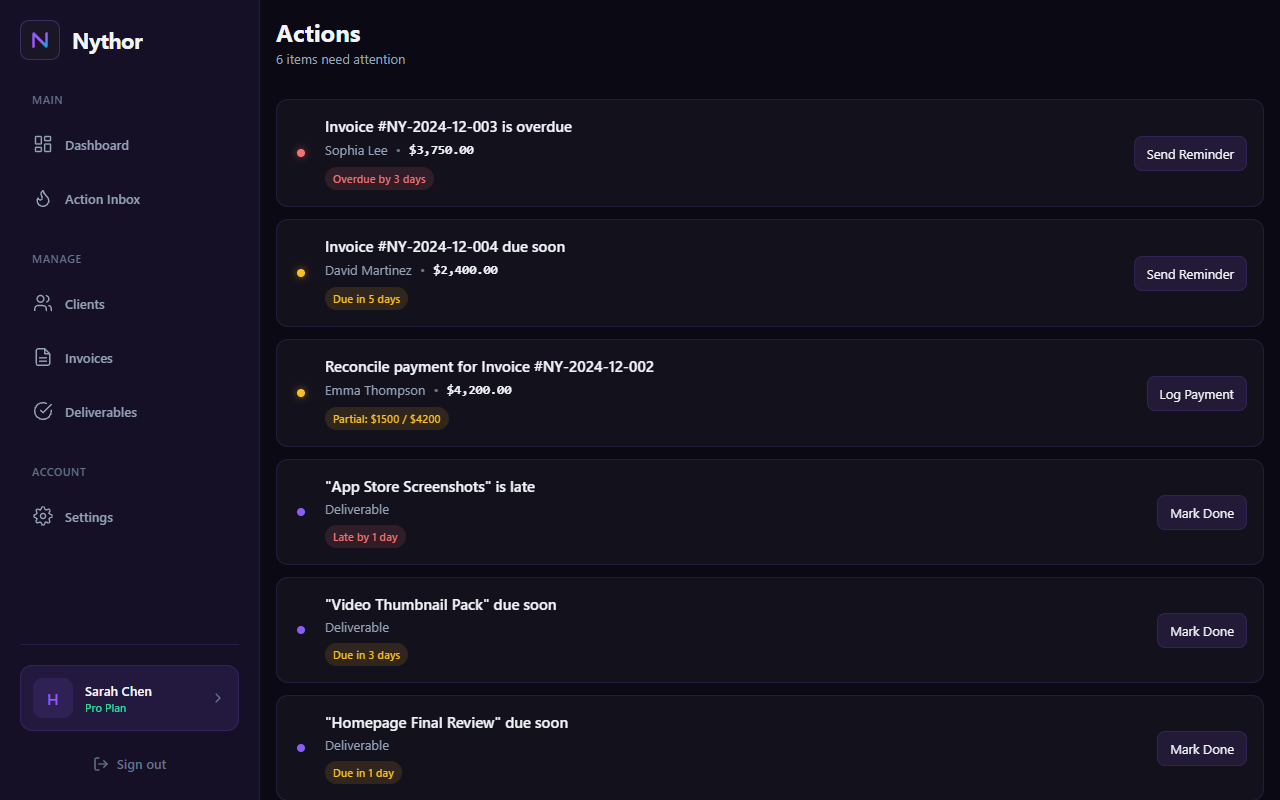
Automate payment reminders with Nythor's Action Inbox
Pre-Due Reminder (3 Days Before)
A friendly heads-up before the due date.
Friendly Reminder
Due Day Reminder
A polite nudge on the day payment is due.
Payment Due Today
Overdue Reminders
Professional follow-ups when payment is late.
First Overdue Notice (3 Days Late)
Second Overdue Notice (7 Days Late)
Final Notice (14 Days Late)
Tips for Effective Payment Reminders
Be Consistent
Use a regular cadence (3 days before, due day, 3/7/14 days after) for predictable follow-up.
Stay Professional
Keep tone polite but firm. Assume good intent—most late payments are oversights, not avoidance.
Include Details
Always include invoice number, amount, and due date so clients can quickly reference the invoice.
Payment Reminder FAQs
When should I send payment reminders?
A proven cadence is: 3 days before due date (friendly), on the due date, then 3, 7, and 14 days after if still unpaid. Nythor automates this entire schedule.
How do I avoid sounding aggressive?
Assume positive intent. Phrases like "just checking in" and "please let me know if there are any issues" maintain professionalism while still requesting action.
What if the client still doesn't pay?
After 30+ days, you may need to pause future work, involve a collections service, or consider the invoice uncollectible. Document all communication.
Can I automate these reminders?
Yes! Nythor sends automatic payment reminders on your schedule—pre-due, due day, and overdue—without you lifting a finger.
Stop Sending Manual Reminders
Let Nythor handle payment follow-ups automatically while you focus on your work.